Photorealistic Prompts Need Photographic Direction
Articles · Human dnAI Team
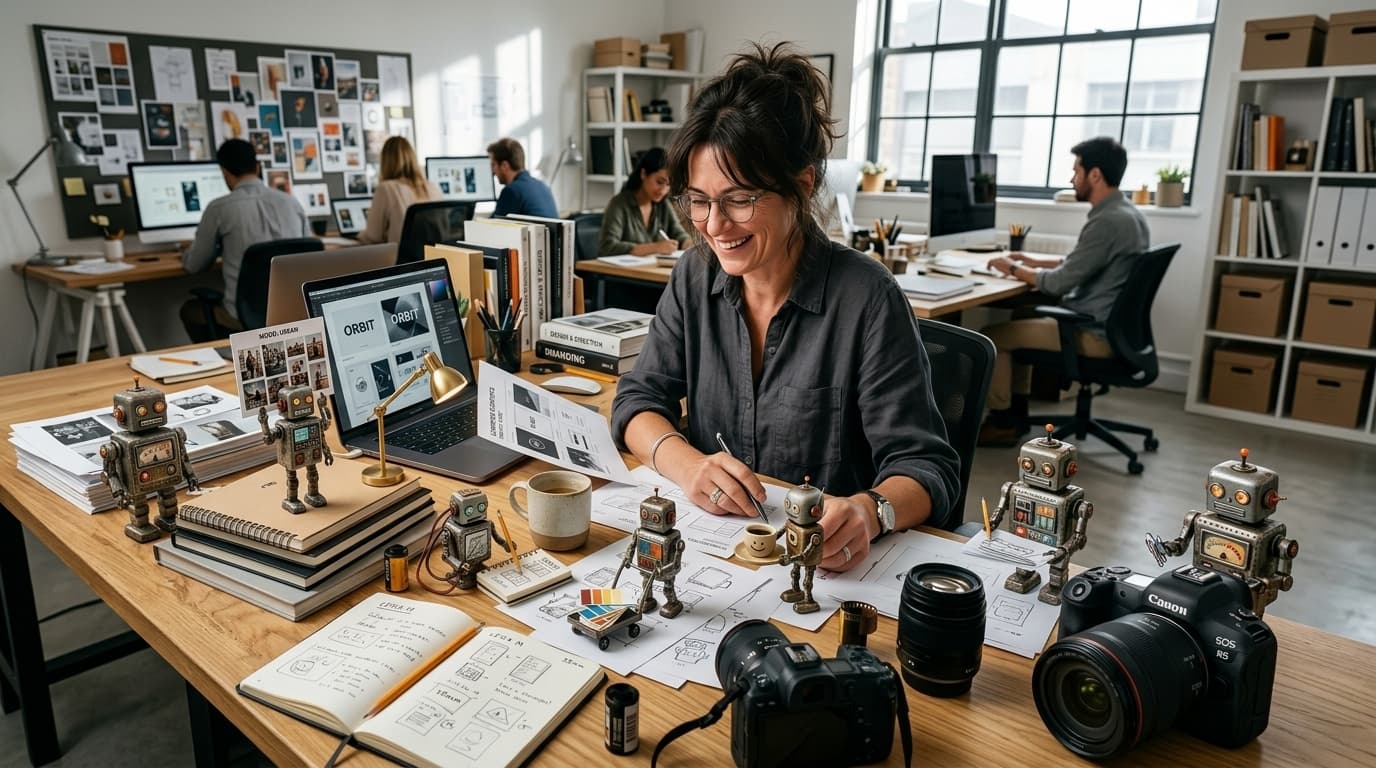
Why AI images still look synthetic
Marketing directors, business owners, and franchise directors ask for “photorealistic” visuals every day. The output often comes back glossy, overlit, cinematic, or strangely smooth. The subject may be right. The composition may be usable. The image still reads as synthetic.
That matters when AI visuals carry brand trust. A product shot that looks rendered can weaken credibility. A workplace scene that looks staged can flatten the brand. A portrait with plastic skin can signal the wrong level of polish. When more people produce more assets with AI, visual consistency becomes part of brand consistency.
Photorealism without photographic direction is just stock-photo polish with extra steps.
The issue is usually not the ambition of the prompt. It is the lack of photographic language inside it.
Real photographs are shaped by specific decisions: lens choice, camera body, aperture, lighting, grain, motion, framing, and small imperfections. Those choices affect how believable an image feels before anyone consciously analyses it. Without those cues, models often default to generic “high quality” polish. The prompt described the outcome, but it did not give the model the language of photography.
For a marketing team, that creates unnecessary review cycles. Someone asks for “more real.” Someone else tries “less AI-looking.” Another person adds “natural” or “authentic” to the prompt. The team is trying to solve a visual direction problem with vague adjectives.
Photographic Direction gives the team a more useful way to brief the image from the start.
What Photographic Direction changes
Photographic Direction is a client-chat skill that translates professional photography vocabulary into prompt modifiers before image generation runs.
It moves a vague request like:
A realistic photo of a project manager on site
to a grounded brief like:
Candid scene of a project manager checking a tablet on a dusty site. Shot on Fujifilm X-T4, 35mm lens, f/2.8. Harsh natural sunlight, documentary style, slight film grain, unposed framing, realistic skin texture.
The difference is not decoration. The second version gives the model concrete constraints: camera body, lens scale, depth of field, lighting, and imperfection language. Those cues help the image feel captured, not rendered.
For brand teams, this matters because “realistic” can mean different things depending on the context. A franchise field photo should not feel like a luxury fashion campaign. A founder portrait should not feel like a corporate stock image unless that is the visual intent. A product detail shot may need texture, shadow, and surface realism rather than perfect studio cleanliness.
Photographic Direction gives teams shared language for those choices. Instead of debating whether an image is “too AI,” the conversation becomes more specific:
- Does the lens fit the scene?
- Is the lighting believable for the environment?
- Does the framing feel posed or observed?
- Are the textures too smooth?
- Is the image polished in a way that hurts trust?
That is a better standard for review because it gives people something concrete to adjust.
How dnAI applies it in two layers
Photographic realism in dnAI is handled in two layers: the agent skill and the server-side realism block.
Layer 1: the photo-direction skill. When a user needs a photograph-like visual, dnAI can load Photographic Direction during prompt composition. The agent adds contextual modifiers based on the job the image needs to do.
For example:
- Workplace scenes may use 35mm documentary framing to keep people in context
- Portraits may use 85mm shallow depth of field to isolate the subject
- Product texture may use macro direction to bring materials and details forward
- Behind-the-scenes social content may use mobile cues to feel more immediate and less staged
This layer brings judgment into the prompt. It looks at the type of image being requested and adds the right kind of photographic direction, rather than applying one generic realism instruction to everything.
Layer 2: the server realism block. After the agent builds a prompt, the image service can append a fixed realism paragraph for photographic requests. Non-photo styles receive no block. That means logos, icons, UI layouts, diagrams, vectors, charts, and abstract graphics are not forced through photographic language they do not need.
Both layers matter.
Agent-only guidance can miss short requests, especially when a user writes a very simple prompt. Server-only guidance would be too blunt because it would treat every photographic image the same way. Together, the two layers provide judgment plus consistency without creating a duplicate image pipeline.
Image generation still runs through the same path: one image per turn, same credits, same execution layer. The system simply gives photographic requests a clearer, more grounded brief before the image is generated.
For teams scaling content across departments, locations, agencies, or franchisees, this is where the value becomes practical. The goal is not to make everyone a photographer. The goal is to give everyone a better starting point, so visual decisions are less dependent on guesswork.
Lens, lighting, and imperfection choices that change the story
Lens choice affects distortion, intimacy, background blur, and how much environment stays in frame. It changes the feel of the image before colour, copy, or layout enter the conversation.
| Lens | Best for |
|---|---|
| 24-35mm | People in context, environmental storytelling |
| 50mm | Neutral candid work |
| 85-105mm | Portraits, isolated subjects |
| Macro | Materials, product detail |
A 24-35mm direction can help a workplace scene feel grounded because it keeps the person and environment connected. A 50mm direction often works well for neutral candid work because it avoids overly dramatic distortion. An 85-105mm direction can give a portrait more separation and polish. Macro direction is useful when the credibility of the image depends on texture, materials, packaging, ingredients, surfaces, or product detail.
Lighting should match the scene. A construction site under midday sun should not look like a premium car commercial. An office candid should not look like a studio portrait unless you asked for that. A team member standing in a retail environment should feel like they are actually in that space, not pasted into a showroom.
This is where many “photorealistic” prompts drift. They ask for realism, then add cinematic lighting, perfect symmetry, flawless skin, hyper-detailed surfaces, and premium commercial polish. The result may be impressive, but it can feel detached from the brand moment.
One or two imperfection cues often help pull an image away from synthetic smoothness without turning imperfection into a style effect. Useful cues include:
- Slight film grain
- Realistic skin texture
- Unposed framing
- Natural shadows
- Mild motion blur
- Dust, fingerprints, surface wear, or fabric texture when relevant
- Harsh natural light when the scene would realistically have it
The point is not to make images messy. It is to stop every image from looking too perfect to trust.
When to use it, and when to skip it
Use Photographic Direction when the deliverable should read as a real photograph.
Good use cases include:
- Candid workplace scenes
- Portraits and team features
- On-site work
- Product shots
- Editorial frames
- UGC-style social content
- Case study imagery
- Franchise or field-location visuals
- Founder or leadership photography
- Behind-the-scenes content
Skip it when the image should feel designed, illustrated, diagrammed, or abstract. Photographic Direction is not the right tool for illustrations, vector art, logos, icons, UI layouts, charts, and abstract graphics. Those outputs need their own visual logic.
This distinction helps teams avoid a common AI workflow problem: using one prompt style for every visual task. A campaign image, a product detail, a logo concept, and a process diagram should not all be pushed toward the same kind of realism.
For marketing teams, Photographic Direction helps campaign, landing page, and social visuals feel credible. If an image is meant to support a claim, introduce a service, show a customer scenario, or make a page feel more human, it needs to look believable enough to carry trust.
For franchise and field brands, it helps on-site imagery feel grounded. A multi-location brand often needs visuals that feel local, practical, and operationally real. Over-polished AI imagery can work against that. It can make the brand feel distant from the actual customer experience.
For editorial and comms teams, it creates shared language for portraits, case studies, and team features. Instead of asking for “more real,” the team can ask for documentary framing, natural light, realistic skin texture, or a less posed composition.
For business owners, the value is speed with fewer awkward outputs. You do not need to become a creative director to spot when an image feels wrong. Photographic Direction gives you a better way to ask for what you mean.
Photographic direction is how believable brand images get made
“Photorealistic” without camera, lens, lighting, and imperfection cues still produces synthetic-looking output. Photographic Direction gives marketing teams, franchise brands, and business owners a shared briefing language: fewer review cycles, more consistent visual credibility, and a clearer standard for what on-brand photography should feel like.
dnAI applies that direction in two layers so the agent and the image generator both work from the same photographic brief. You are not chasing perfect camera control. You are giving the model a clearer job so brand visuals feel photographed, not generated.
We’d love to help you brief AI images the way you would brief a photographer.
This is what happens when AI is built around you, not everyone else.
Build from your Brand DNA